Reliable Local Help
Friendly, Patient Help With Phones, TVs, WiFi and Everyday Technology
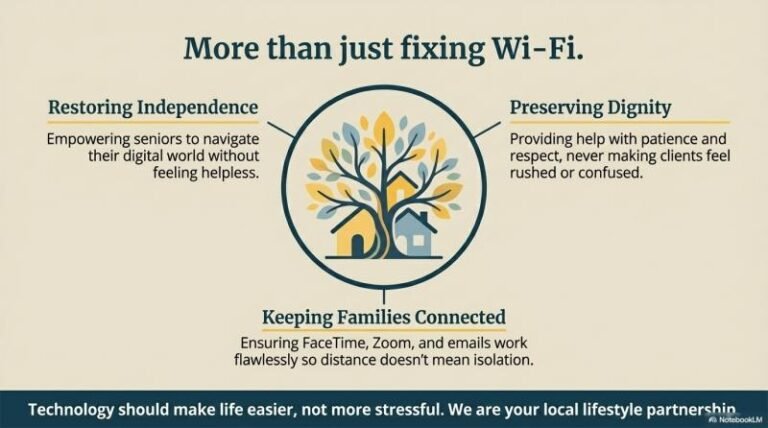
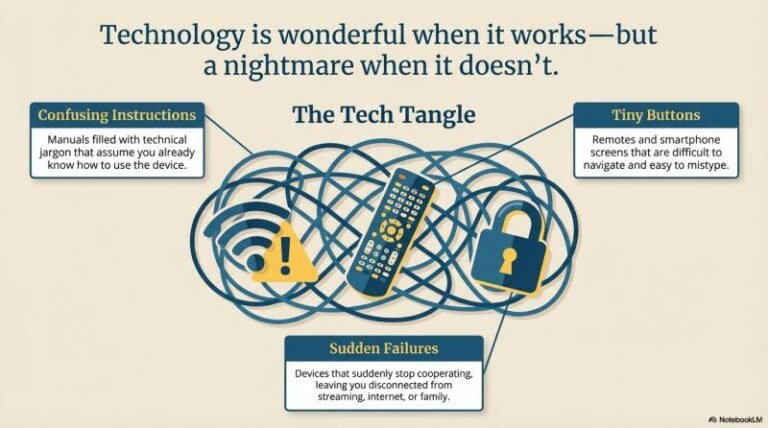
Technology is wonderful when it works — but when something stops working, it can quickly become frustrating.
Technology Help for Seniors in Venice, Florida
Many seniors find themselves dealing with confusing instructions, tiny buttons, or devices that suddenly stop cooperating. Whether it’s connecting a TV to streaming services, fixing a WiFi issue, or learning how to use a smartphone, having a patient helper nearby can make all the difference.
Venice Neighbor Services offers friendly, easy-to-understand technology help designed specifically for seniors and seasonal residents.
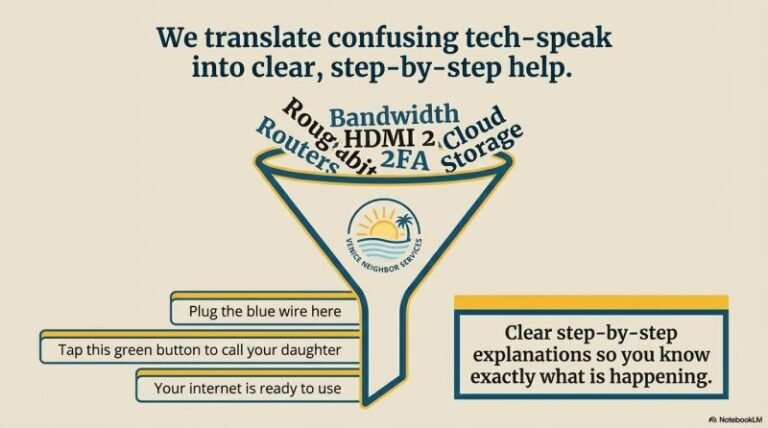
No confusing jargon. No rushing. Just clear, step-by-step help.
What Technology Help May Include
Each visit is tailored to your needs, but common technology help requests include:
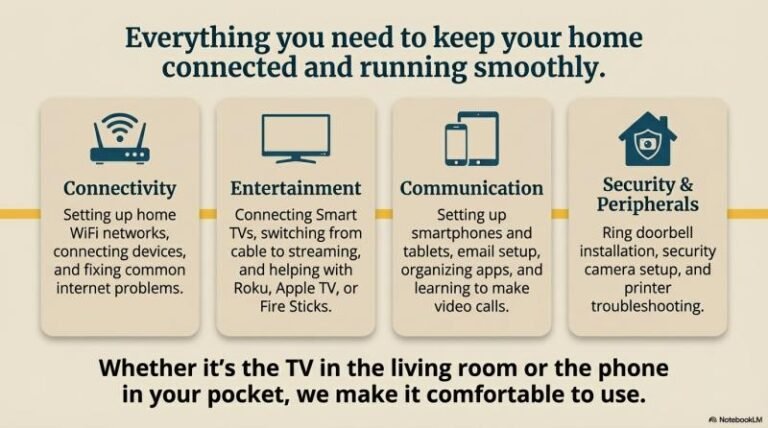
- Setting up home WiFi networks
- Connecting Smart TVs to streaming services
- Helping with Roku, Apple TV, Fire Stick, or cable boxes
- Setting up smartphones or tablets
- Learning how to make video calls with family
- Printer setup and troubleshooting
- Email setup and basic troubleshooting
- Helping organize apps and settings on phones
- Ring doorbell or security camera setup
- Connecting devices to WiFi
- Fixing common internet or device problems
The goal is to make your devices simple and comfortable to use.
Who This Service Is Perfect For
Technology help is ideal for:
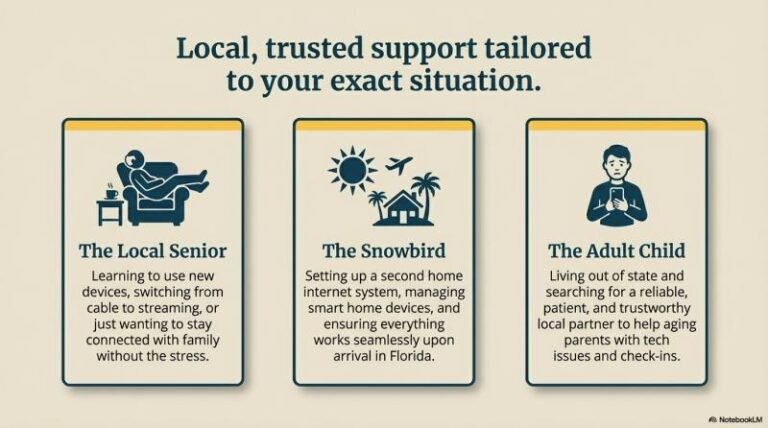
- Seniors learning to use new devices
- Residents frustrated with confusing tech setups
- Anyone switching from cable to streaming services
- Snowbirds setting up a second home internet system
- Seniors who want to stay connected with family
- Anyone who prefers in-person help instead of calling tech support
Many people just want someone patient who can explain things clearly.
Benefits of Technology Help
- Devices set up correctly the first time
- Less frustration with confusing tech issues
- Clear step-by-step explanations
- Better connection with friends and family online
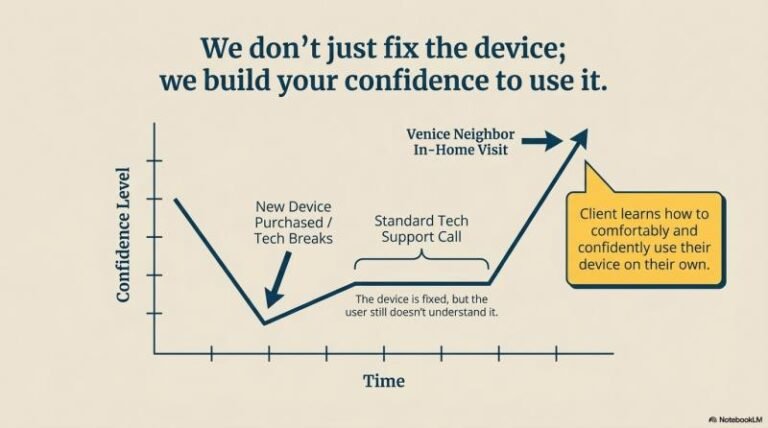
- More confidence using phones and computers
- Help without long tech support calls
Technology should make life easier, not more stressful.
A Situation This Service Helps Prevent
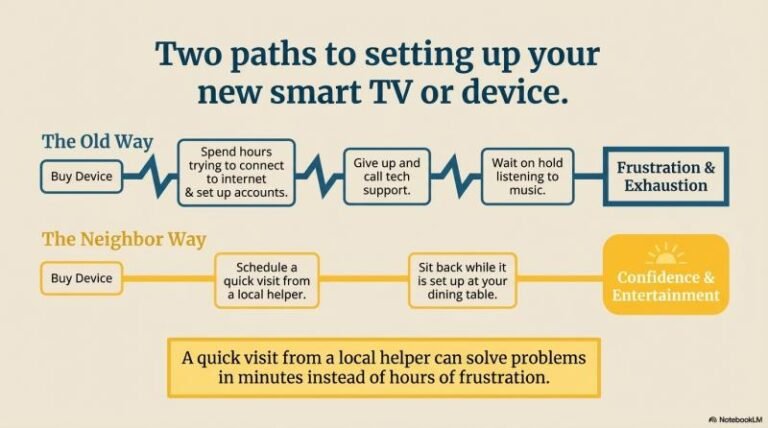
Imagine buying a new smart TV or streaming device and spending hours trying to figure out how to connect it to the internet, set up accounts, and get the remote to work.
Or perhaps the WiFi stops working and you’re stuck waiting on hold with customer support for help.
A quick visit from a local helper can often solve these problems in minutes instead of hours of frustration.
What Makes Venice Neighbor Services Different
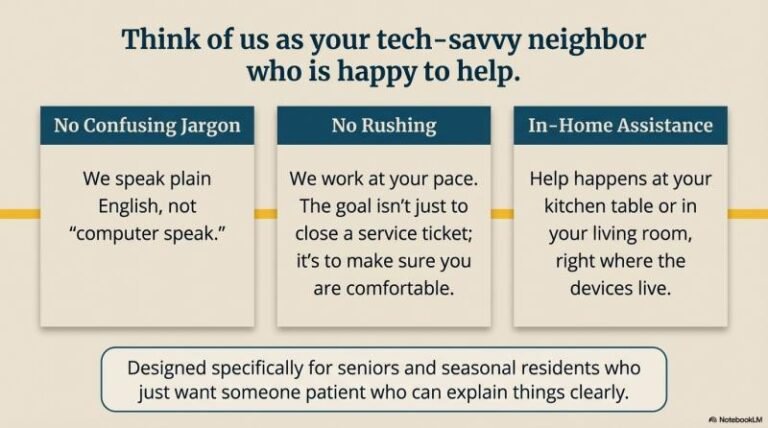
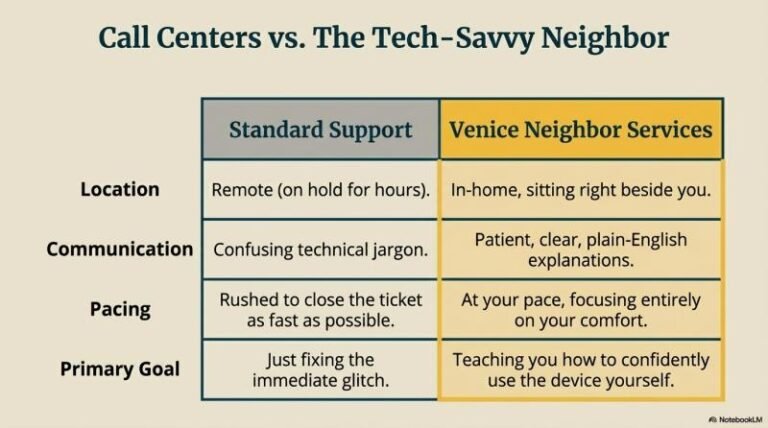
Venice Neighbor Services focuses on patient, personal assistance rather than rushed technical service calls.
The goal is not just fixing the problem — but helping clients feel comfortable using their devices.
- Friendly and patient explanations
- No confusing technical language
- In-home assistance at your pace
- Flexible scheduling
- Local service you can trust
Think of it as having a tech-savvy neighbor who is happy to help.
Possible Add-On Services
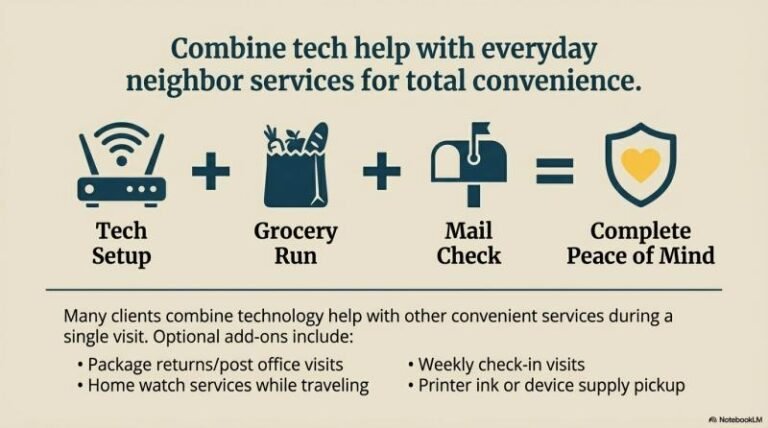
Many clients combine technology help with other convenient services.
Optional add-ons may include:
- Grocery pickup or errands
- Package returns or post office visits
- Ring or security camera installation
- Mail and package monitoring
- Weekly check-in visits
- Home watch services while traveling
- Printer ink or device supply pickup
- Setup for new phones or computers
Combining services during a visit can make everything more convenient.
Tech Help
Task | Est. Time | Base Price |
Install Ring doorbell / camera | 30–45 min | $60–$85/device |
Connect device to WiFi & app | 20–30 min | Included |
Configure notifications / alerts | 15 min | Included |
Test system & provide user training | 15–20 min | Included |
Add-Ons:
- Multiple device setup: $50–$75 per additional device
- WiFi troubleshooting / smart home integration: $45–$60/hr
Wouldn't You Rather Be ...





... Doing Something Else
Frequently Asked Questions
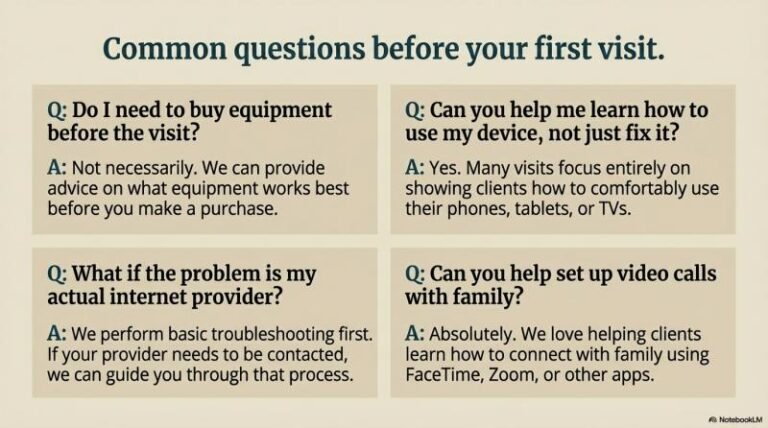
Do I need to buy equipment before the visit?
Not necessarily. Advice can be provided on what equipment works best before purchasing.
Can you help me learn how to use my device, not just fix it?
Yes. Many visits focus on showing clients how to comfortably use their devices.
What if the problem is internet related?
Basic troubleshooting can often solve the issue, and guidance can be provided if your internet provider needs to be contacted.
Can you help set up video calls with family?
Yes. Many clients enjoy learning how to connect with family using FaceTime, Zoom, or other apps.
- Fixing a printer that won’t connect so you can print important documents, photos, and forms without frustration
- Connecting your Fire Stick, Roku, or Smart TV so you can watch your favorite streaming shows anytime
- Setting up WiFi in your home so all your devices work smoothly and reliably
- Fixing slow or dropped internet so you can browse, stream, and stay connected without interruptions
- Helping you learn FaceTime or video calling so you can see and talk with family from anywhere
- Setting up a smartphone so you can easily call, text, and stay in touch
- Organizing apps on your phone so everything is simple and easy to find
- Creating a Facebook account so you can reconnect with old friends and stay updated with family
- Setting up email so you can send, receive, and manage messages with confidence
- Recovering forgotten passwords so you can regain access to your accounts without stress
- Connecting devices to WiFi so everything works together the way it should
- Setting up a new TV so you can enjoy it without dealing with confusing instructions
- Programming remotes so you can control everything with ease
- Installing and setting up Ring doorbells or security cameras so you can feel safer at home
- Fixing devices that “just stopped working” so you don’t have to replace something unnecessarily
- Setting up Zoom so you can join family calls, events, or virtual appointments
- Helping you send and receive photos so you can share memories with loved ones
- Setting up online shopping apps so you can conveniently order what you need from home
- Removing confusing pop-ups or notifications so your device feels clean and easy to use again
- Updating devices and apps so everything runs smoothly and securely
- Setting up Bluetooth devices so your headphones, speakers, or car connect easily
- Helping you use maps and navigation so you can get where you need to go with confidence
- Setting up streaming accounts like Netflix or Hulu so entertainment is always available
- Teaching basic computer skills so you feel more confident using everyday technology
- Transferring information from an old phone to a new one so nothing important is lost
- Setting up tablets or iPads so you can browse, read, and stay connected comfortably
- Helping you avoid scams and suspicious messages so you feel safer online
- Setting up voice assistants so you can use simple voice commands for everyday tasks
- Fixing sound or volume issues so you can hear calls, shows, and alerts clearly
- Helping organize photos so your memories are easy to find and enjoy
Schedule Technology Help
If technology has become frustrating or confusing, help is available.
📞 Call or Text: (941) 504-0970
🌐 veniceneighborservices.com
Serving Venice, Nokomis, Englewood, and North Port.
Related Services
You may also be interested in:
- Weekly Check-In Visits
- Ring & Home Camera Setup
- Grocery & Errand Services
- Snowbird Home Watch Services
- Mail & Package Monitoring
This Page Targets
Primary:
- technology help for seniors Venice FL
- senior tech support Venice Florida
- in-home tech help Venice FL
Secondary:
- help setting up WiFi Venice Florida
- senior smartphone help
- smart TV setup Venice FL
- local tech help for seniors
Other Names for This Service
Technology help services may also be called:
- Senior tech support
- In-home tech assistance
- Smart device setup help
- Computer help for seniors
- WiFi setup assistance
- Smart TV setup service
These services help seniors feel comfortable and confident using everyday technology.